
Secure Shell (SSH) remains one of the most important tools for remote server access, DevOps workflows, and cloud infrastructure management in 2026. Despite its simplicity on the surface, poor SSH key management is still one of the most common causes of security breaches in development environments.
This guide breaks down SSH key management into practical best practices for secure, scalable, and maintainable access control.
What SSH Keys Actually Do
SSH keys replace passwords with a cryptographic authentication system.
How it works:
- You generate a key pair
- Private key (kept secret on your machine)
- Public key (added to servers)
- The server verifies your identity using cryptographic matching
- No password is transmitted during login
Key insight:
SSH security depends entirely on how well you protect and manage your private keys.
Step 1: Generating Secure SSH Keys
Modern best practice is to use strong cryptographic algorithms.
Recommended command:
ssh-keygen -t ed25519 -C "[email protected]"
Why ED25519:
- Faster and more secure than RSA
- Smaller key size
- Strong resistance to modern attacks
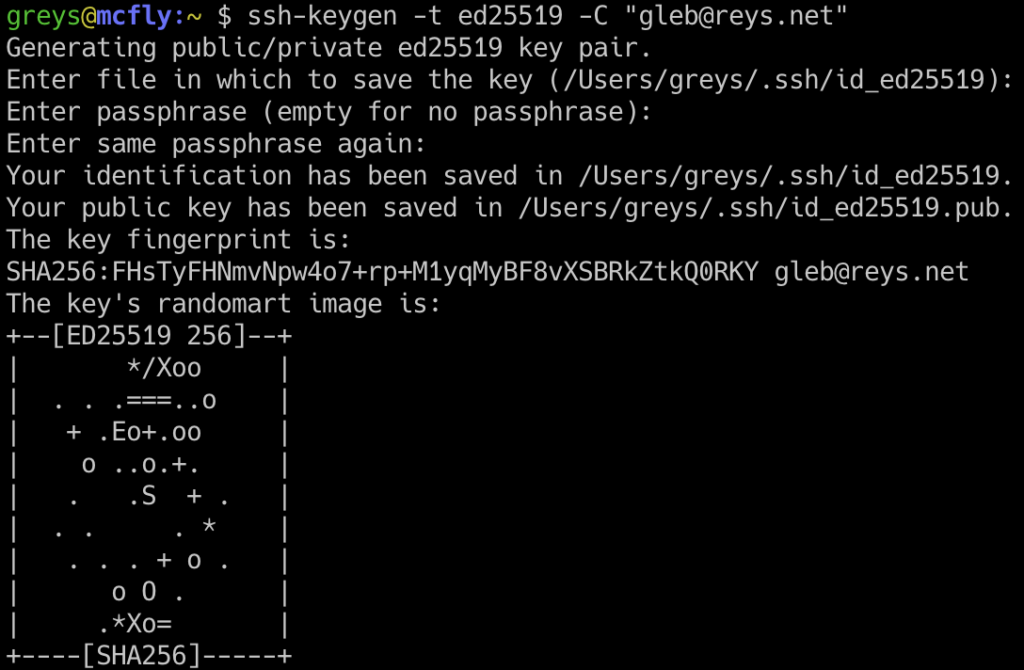
Key generation options:
- Add passphrase for extra security
- Store in default location (
~/.ssh/id_ed25519) or custom path
Key insight:
A strong algorithm + passphrase = baseline security.
Step 2: Organizing SSH Keys Properly
As your infrastructure grows, key sprawl becomes a serious issue.
Best practices:
- Use separate keys for different environments:
- Personal servers
- Work infrastructure
- Production systems
- Avoid reusing the same key everywhere
- Name keys clearly
Example structure:
~/.ssh/
  id_ed25519_personal
  id_ed25519_work
  id_ed25519_prod
Key insight:
Separation of keys reduces blast radius if one is compromised.
Step 3: Using SSH Config for Simplicity
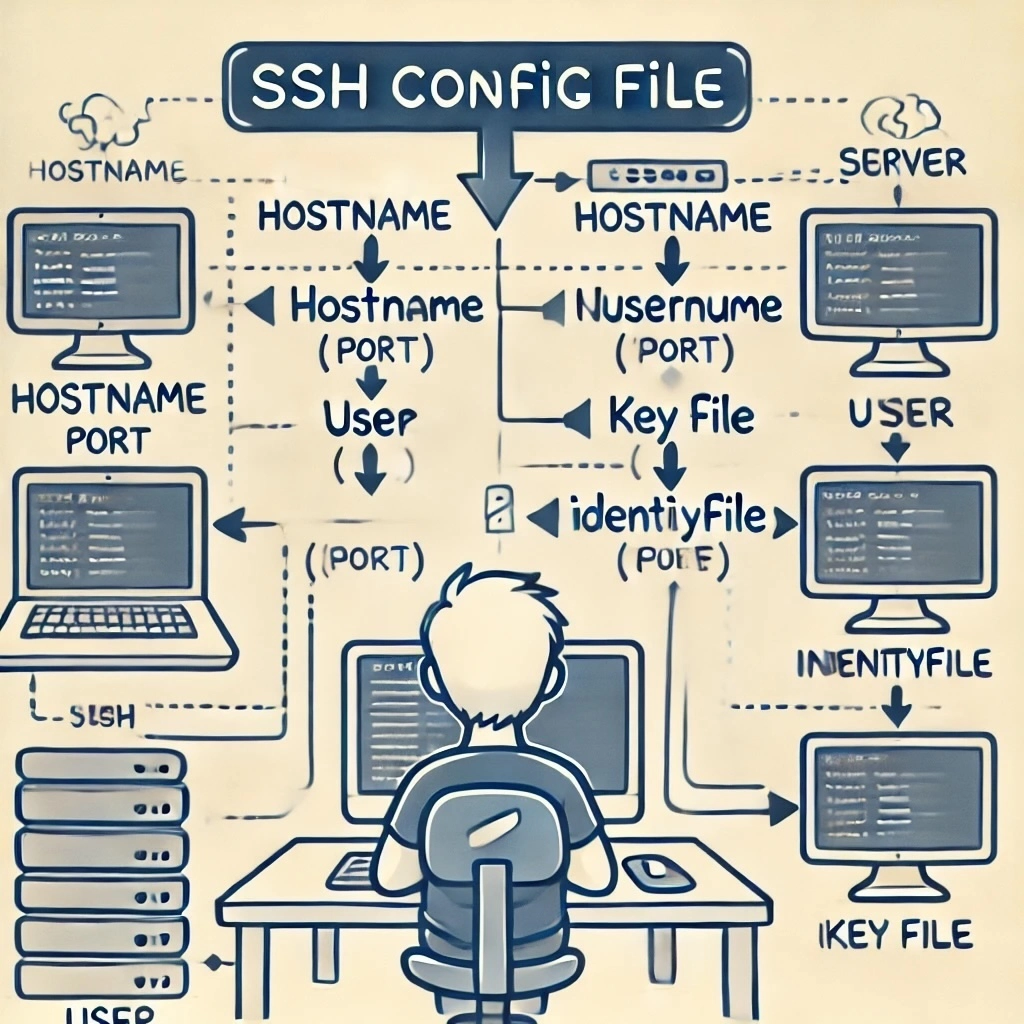
The SSH config file simplifies server access.
File location:
~/.ssh/config
Example configuration:
Host production-server
    HostName 192.168.1.10
    User ubuntu
    IdentityFile ~/.ssh/id_ed25519_prod
    Port 22
Benefits:
- Short commands instead of long SSH strings
- Automatic key selection
- Easier environment management
Usage:
ssh production-server
Step 4: Managing Public Keys on Servers
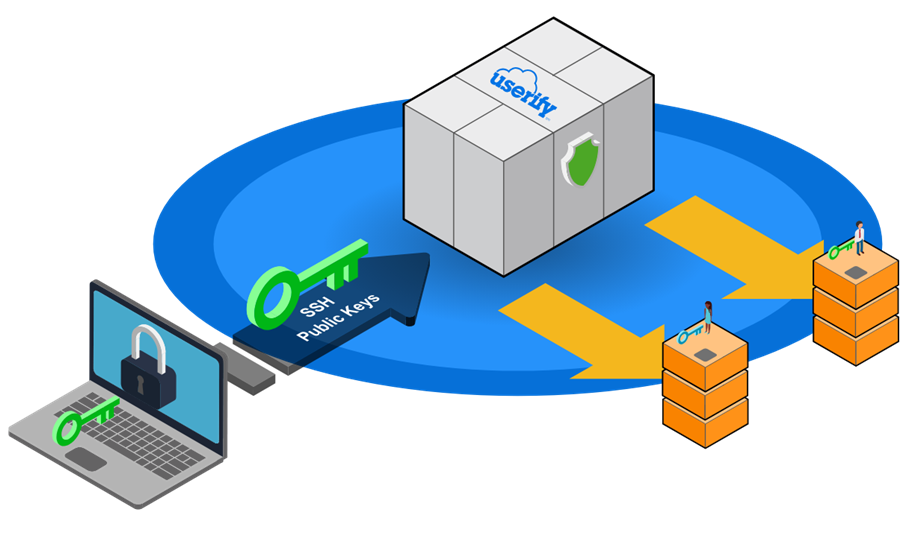
Public keys are stored on servers in:
~/.ssh/authorized_keys
Best practices:
- Never manually edit without backups
- Use automation tools when possible
- Remove unused or old keys regularly
- Rotate keys periodically
Key insight:
Server security depends on keeping authorized keys clean and current.
Step 5: Securing Your Private Keys
Private keys must be treated as highly sensitive credentials.
Best practices:
- Never share private keys
- Set strict file permissions:
chmod 600 ~/.ssh/id_ed25519
- Store backups in encrypted form only
- Use passphrases for additional protection
Avoid:
- Uploading keys to cloud storage without encryption
- Copying keys between machines casually
- Leaving keys on shared systems
Step 6: Using SSH Agent for Convenience
SSH agent stores decrypted keys in memory for convenience.
Start agent:
eval "$(ssh-agent -s)"
Add key:
ssh-add ~/.ssh/id_ed25519
Benefits:
- No need to re-enter passphrase repeatedly
- Secure temporary key handling
- Better workflow for developers
Step 7: Key Rotation Strategy
Regular key rotation reduces long-term risk.
Recommended rotation schedule:
- Every 6–12 months for personal keys
- Every 3–6 months for production systems
- Immediately after team member changes
Rotation process:
- Generate new key pair
- Add new public key to servers
- Test access
- Remove old key from
authorized_keys
Key insight:
Rotation limits exposure even if a key is compromised silently.
Step 8: Limiting SSH Access
Principle of least privilege should always apply.
Techniques:
1. Restrict users:
- Avoid using root login
- Create dedicated users per service
2. Limit IP access:
- Allow SSH only from known IP ranges
3. Disable password authentication:
PasswordAuthentication no
4. Disable root login:
PermitRootLogin no
Key insight:
SSH security improves dramatically when access is tightly scoped.
Step 9: Using SSH Key Passphrases Properly
Passphrases protect against key theft.
Best practices:
- Always use a strong passphrase
- Avoid empty passphrases on production keys
- Combine with SSH agent for usability
Trade-off:
- Slight inconvenience vs major security improvement
Key insight:
A stolen encrypted key is useless without the passphrase.
Step 10: Auditing SSH Access
Regular audits help detect outdated or risky configurations.
What to check:
- Active authorized keys on servers
- Unused or old keys
- Unnecessary user accounts
- Open SSH ports and access logs
Useful commands:
cat ~/.ssh/authorized_keys
last -i
Key insight:
Security is not static—it requires continuous verification.
Step 11: Using SSH for Automation Safely
SSH is widely used in scripts and CI/CD pipelines.
Best practices:
- Use deploy keys with limited permissions
- Avoid using personal keys in automation
- Store secrets in secure vaults or CI environments
- Restrict key usage by host
Example use case:
- GitHub Actions deploying to a server via SSH
- Automated backups
- Remote configuration management
Common SSH Mistakes
- Reusing the same key across all systems
- Storing private keys unencrypted
- Leaving password authentication enabled
- Not rotating keys regularly
- Ignoring access logs
Advanced Best Practices (2026 Standards)
1. Use hardware-backed keys
Security keys (like FIDO2 devices) provide physical authentication layers.
2. Centralized key management
Enterprise systems manage SSH access through identity platforms.
3. Short-lived certificates
Instead of static keys, use temporary signed credentials.
4. Zero-trust SSH access
Every session is verified dynamically rather than trusted permanently.
Final Insight
SSH key management is not just a technical setup task—it is an ongoing security discipline.
The most secure systems in 2026 follow a few simple principles:
- Minimize key reuse
- Rotate credentials regularly
- Restrict access aggressively
- Automate auditing and cleanup
- Treat private keys like sensitive infrastructure assets
When managed correctly, SSH becomes not just a tool for access—but a secure, scalable authentication layer for the entire infrastructure ecosystem.